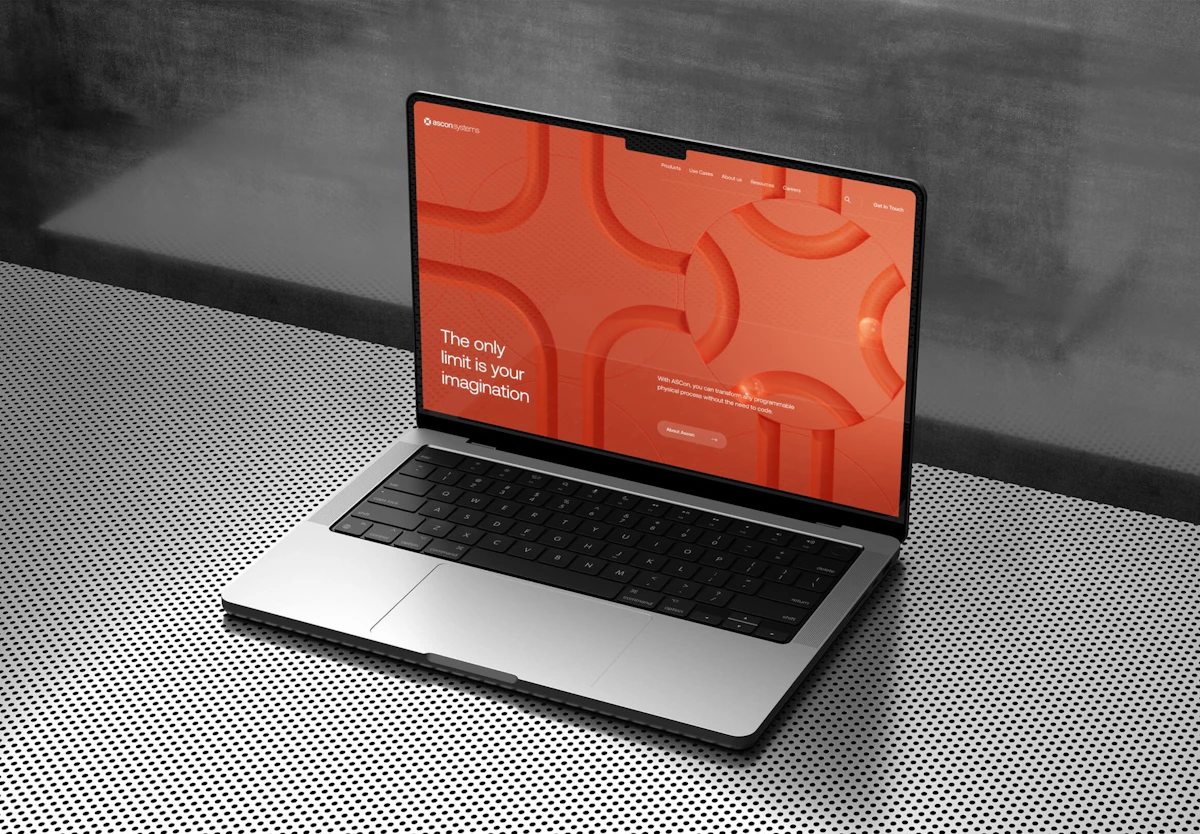
7 Signs Your Website Needs a Redesign
Before spending anything, you need to know if your site actually needs a redesign. Here are the signals that don't lie.
1. Your Site Is Not Mobile-Friendly
In 2026, over 65% of web traffic in Quebec comes from mobile devices. If your site forces visitors to pinch and zoom, you're losing customers every day. Google also uses mobile-first indexing — meaning it primarily evaluates the mobile version of your site to determine rankings.
2. Load Time Exceeds 3 Seconds
53% of mobile visitors abandon a site that takes more than 3 seconds to load (Google). A slow site costs you clients and damages your SEO. Test yours with Google PageSpeed Insights — if your performance score is below 50, a redesign with proper optimization will have a measurable impact on conversions.
3. Your Brand Has Evolved
Your business has grown. You've updated your logo, refined your service offering, or shifted your positioning. But your website still reflects who you were three years ago. That disconnect erodes trust — especially for first-time visitors who form an opinion within 50 milliseconds (Stanford Web Credibility Research).
4. High Bounce Rate
If your bounce rate sits above 70%, visitors are landing on your site and leaving immediately. That's a design, content, or UX problem. A redesign focused on clear user journeys, stronger calls to action, and relevant content can cut bounce rates by 20–40%.
5. You Can't Easily Update Your Site
If every small change requires a developer and an invoice, your site has become a bottleneck instead of an asset. Modern websites should let you update content, add pages, and publish blog posts without touching code. If your current CMS makes simple edits painful, it's time for a platform that works for you.
6. Your Site Is Not Secure (No HTTPS)
A site without HTTPS shows a
7. Your Organic Traffic Is Declining
If your Google traffic has been declining for months with no clear explanation, it's often a sign that your site no longer meets Google's technical or content standards. Core Web Vitals, E-E-A-T signals, and structured data all play a role in 2026 rankings. A redesign built with SEO in mind can reverse that decline.
If you recognize 3 or more of these signs, a redesign is strongly recommended. If only one or two apply, a visual refresh may be all you need — saving you time and money.
Full Redesign vs Visual Refresh
Not every situation calls for a ground-up rebuild. Sometimes a visual refresh is enough. Understanding the difference saves you thousands of dollars and weeks of work.
| Criteria | Visual Refresh | Full Redesign |
|---|---|---|
| Scope | Colours, fonts, images, content | Architecture, code, UX, design, content |
| Timeline | 2–4 weeks | 6–12 weeks |
| Cost | $1,500 – $4,000 | $4,000 – $15,000+ |
| SEO Risk | Low | Medium to high (if poorly planned) |
| CMS Change | No | Often |
| Ideal When | Site is functional but looks dated | Site has major structural, technical or UX issues |
A visual refresh works well when your site is technically sound but visually dated. A full redesign becomes necessary when the underlying structure, technology, or user experience is fundamentally broken — or when your business has changed so much that the old site can't accommodate it.
How Much Does a Website Redesign Cost in Quebec?
Pricing varies significantly based on project complexity, number of pages, and required features. Here are realistic ranges for the Quebec market in 2026 (all prices in CAD, before taxes).
| Project Type | Price Range | Includes |
|---|---|---|
| Visual Refresh | $1,500 – $4,000 | New visual identity, updated images, minor mobile optimization |
| Standard SMB Redesign (5–15 pages) | $4,000 – $10,000 | New design, content architecture, on-page SEO, forms, mobile-first |
| E-commerce Site | $8,000 – $20,000+ | Product catalogue, cart, payment gateway, inventory management |
| Custom Site / Web Application | $15,000 – $50,000+ | Custom features, API integrations, client portal |
What Drives the Price Up (or Down)
- Number of pages and unique templates — a 5-page brochure site is faster to build than a 30-page service site
- Features — e-commerce, online booking, client portal, and custom integrations add complexity
- Content — who writes the copy? Who provides photos? Content creation by the agency adds cost
- Bilingualism — a French-English site costs 30–50% more due to content duplication and testing
- SEO migration — URL redirects, preserving indexed content, and structured data migration
Never choose a provider based on price alone. A $1,500 site that generates zero leads costs more than an $8,000 site that brings in qualified prospects every week. Ask about their SEO process, their post-launch support, and request references from Quebec-based clients.
Steps for a Successful Website Redesign
A successful redesign doesn't start with design — it starts with strategy. Skipping the planning phase is the number one reason redesigns go over budget and miss the mark.
Step 1: Audit Your Current Site
Before building the new, understand what works and what doesn't in the current one.
- Review your Google Analytics: which pages perform, which get ignored
- Test load speed with PageSpeed Insights
- List all indexed URLs in Google Search Console (critical for SEO migration)
- Identify pages that generate leads or sales — these must be preserved or improved
Step 2: Define Clear Objectives
A redesign without measurable goals is a waste of budget. Be specific about what success looks like.
- Increase quote requests by 30%
- Reduce bounce rate below 50%
- Achieve a PageSpeed score of 90+ on mobile
- Enable the owner to publish content without a developer
Step 3: Information Architecture and Content
Organize your pages around your clients' needs, not your internal org chart. Every page should answer a question or solve a problem.
- Create a sitemap with page hierarchy — keep navigation to 3 clicks or fewer
- Write content before designing (content dictates design, not the other way around)
- Plan your keyword strategy per page — each page should target a specific search intent
Step 4: Design and Development
Design must serve conversion, not just aesthetics. Every visual choice should guide the visitor toward your call to action.
- Use a mobile-first approach — design for the smallest screen first, then scale up
- Optimize Core Web Vitals from the start (LCP, FID, CLS)
- Implement Schema.org markup for SEO (LocalBusiness, FAQPage, BreadcrumbList)
- Test on real devices, not just browser simulations
Step 5: Launch and Post-Launch Monitoring
Launch day isn't the finish line — it's the start of the critical monitoring phase.
- Activate 301 redirects for all URLs that change
- Submit the new sitemap in Google Search Console
- Monitor 404 errors closely for the first 3 months
- Compare before/after performance: traffic, conversions, load speed
SEO Migration: The Step Nobody Should Skip
SEO migration is the most critical part of any redesign. Done poorly, it can erase months or years of ranking work in a single day. Done right, it can actually improve your positions.
The essentials of a proper SEO migration:
- Inventory all indexed URLs before the redesign — export from Google Search Console
- Create a complete 301 redirect map (old URL → new URL) for every page that moves
- Preserve title tags, meta descriptions and optimized content — or improve them
- Migrate Schema.org markup and structured data to the new site
- Submit the new XML sitemap to Google Search Console immediately after launch
- Monitor indexation and 404 errors for 3–6 months post-launch
If your agency or freelancer doesn't mention SEO migration in their proposal, that's a major red flag. Explicitly ask how they handle redirects, meta tag preservation, and post-launch monitoring. Your rankings depend on it.
The Most Common Website Redesign Mistakes
After guiding dozens of SMBs through their redesign, here are the mistakes we see most often — and every single one is avoidable.
Mistakes to avoid at all costs:
- No 301 redirects — all your old URLs return 404 errors, Google de-indexes your pages, and you lose organic traffic overnight
- Designing before writing content — result: placeholder text in production, pages that don't convert, and a site that needs rework
- Ignoring load speed — a beautiful design that takes 8 seconds to load loses more customers than an ugly site that loads instantly
- Not testing on mobile — over 65% of your traffic comes from phones, and mobile-first indexing means Google judges your site by its mobile version
- No visible contact form or CTA — if visitors can't figure out how to reach you within 5 seconds, they leave
- Launch and forget — no post-launch tracking of errors, traffic, or conversions means you won't know if something breaks until it's too late
Frequently Asked Questions — Website Redesign
Conclusion
A website redesign isn't an expense — it's an investment in your business growth. In 2026, your website is often the very first touchpoint with a potential client. If it's slow, poorly designed, or outdated, you're losing opportunities every single day.
Whether you go for a visual refresh or a full redesign, the key is doing it with a clear strategy, a solid SEO migration plan, and a partner who understands the Quebec market. Start by auditing your current site, define measurable goals, and don't cut corners on the SEO migration — your future rankings depend on it.
To learn more about how web design and SEO work together from the start, read our complete guide on website creation and SEO.